

If customers never visit your premises, you're a service-area business (SAB) and your first move is to verify your profile, then hide your street address in Google Business Profile settings. If people do visit a showroom or shopfront alongside the jobs you drive to, you're hybrid, and your address should stay visible. Either way, list only the towns you can genuinely reach.
TL;DR:
- Focusing on the verified location is crucial, as Google weighs it more heavily than the set service areas, impacting your ranking.
- Listing only genuine, reachable towns and keeping your website content and reviews consistent with those areas enhances local search visibility.
- Avoid claiming service areas outside your actual footprint, especially distant cities or states, to prevent suspension and policy violations.
- Hybrid businesses should only display their physical address if customers can visit, while still listing relevant service areas for travel-based work.
- Regularly update and check your profile, website, and citations to maintain alignment, prevent ranking drops, and avoid outdated or inconsistent information.
Table of Contents
- What "service area business" means on Google and how it affects visibility
- How to add, edit and remove service areas step by step
- Optimise your profile and website so you rank in the towns you list
- Common mistakes and suspension triggers
- Hybrid businesses: when to show an address and combine it with service areas
- A practical checklist for tradespeople managing their own profile
- Why honest coverage beats a stretched map every time
- How Jmanage keeps your profile, bookings and site pulling in the same direction
- Sources
- FAQ
What "service area business" means on Google and how it affects visibility
Google's own definition is straightforward: a service-area business is one that travels to or delivers directly to customers rather than serving them at a fixed premises. A hybrid business does both, think a plumber with a small showroom who also does emergency callouts. Google explicitly tells SABs to hide their address if customers can't visit that location, and this single setting trips up more tradespeople than any other part of the setup.
Your service areas appear two ways: as a named coverage list on your profile and as a shaded region on the Maps interface. Neither guarantees ranking. Google still uses your verified location as an internal proximity anchor, even when the address itself is hidden from public view. That's the part most guides skip.
Practical limits matter here:
- Maximum of 20 service areas per profile
- Google recommends keeping service areas generally within about a two-hour drive from your business base
- Accepted area types include cities, postcodes, and counties, but not larger regions such as states or vague areas
How to add, edit and remove service areas step by step
Before touching anything, confirm you have manager or owner access to the profile in Business Profile Manager. If you've inherited a listing from a previous tradesperson or agency, sort out access first, editing a profile you don't fully control is how service areas get quietly overwritten.
Here's the actual process:
- Sign in at business.google.com and select your profile.
- Go to "Edit profile" then "Service area."
- Search for and add each town, postcode or county you genuinely serve.
- Remove any area you no longer cover by clicking the X next to it.
- Save changes and allow a few days for them to propagate across Google Business Profile and Maps.
Remember, your street address exists purely for verification. If you don't want it public, toggle "Business location" off during setup, not after complaints roll in.
On slot strategy: use broader entries (a city or county) for your outer coverage, then reserve postcode-level precision for the two or three suburbs where you actually want to dominate. One slot can effectively cover a cluster of postcodes if you pick the city name instead.
Pro Tip: Keep photos of your work vehicle, uniform, and job sites on hand. If Google flags your profile for re-verification, having that evidence ready cuts the delay from weeks to days.
Optimise your profile and website so you rank in the towns you list
Setting service areas is the easy part. Ranking in them depends on what else your profile and website say about you.
Start with categories and services. A vague primary category like "Contractor" tells Google nothing useful, pick the most specific option available (Electrician, Emergency Plumber, Landscape Gardener) and list every individual service you offer under it.
Then build the on-site half of the equation:
- Create a dedicated page for each priority town or suburb, with real details about the work you've done there
- Apply areaServed schema only where the visible page text already states that coverage plainly; structured data should confirm what's written, never invent it
- Collect reviews consistently from the towns you're targeting, not just wherever jobs happen to land
- Post regular updates, keep hours current, and upload fresh job photos
Here's the bit that surprises most trades business owners: even when your listed radius is generous, Google still weighs your verified location more heavily than the areas you've typed in. A profile with five well-documented suburbs and matching website pages will usually outrank one claiming fifteen towns with nothing to back them up. Your Google Business Profile tells Google where you'll go. Your website has to prove you're actually established there.
Common mistakes and suspension triggers
The single biggest suspension trigger is claiming areas you can't credibly service, a Perth plumber listing Bunbury and Geraldton alongside their actual metro suburbs invites scrutiny fast. The second is displaying a home address publicly when you don't take customers there; Google treats this as a policy violation, not just a preference.
Watch for these specific issues:
- Distant cities or entire states listed as "service areas" with no operational footprint there
- A residential address showing publicly on a profile that should be hidden
- Inconsistent business details across directories, one listing shows a mobile number, another an old landline
If Google does flag your profile for re-verification, gather your ABN documentation, vehicle photos, recent invoices from the disputed area, and a business phone line rather than a personal mobile.
Pro Tip: Run a quarterly citation check across Google, Bing Places and any trade directories you're listed in. One outdated phone number can quietly undo months of ranking progress.
Hybrid businesses: when to show an address and combine it with service areas
A hybrid business is one with a genuine physical presence, a showroom, workshop or trade counter, that customers can visit, plus a fleet that travels for installs or repairs. A kitchen renovator with a display showroom and an on-site fitting team is a textbook example.
Show your address only if that location is a real, visitable premises. Add service areas on top of it the same way an SAB would, through the "Service area" section in Business Profile Manager.
- Keep dispatch rules aligned with what your listing promises
- Route reviews and enquiries from each service area back to the right team member
- Match your website's "areas we cover" page to whatever the profile actually lists
A practical checklist for tradespeople managing their own profile
Most small trades businesses don't have a marketing department, so tasks default to whoever's free. That usually means the checklist gets skipped entirely.
- Owner verifies the profile and confirms address visibility settings.
- Admin or office manager sets the core service areas and keeps them current each quarter.
- Whoever handles the website builds matching town pages as new areas get added.
- Someone owns review requests, ideally triggered automatically after each job.
Booking systems that sync appointments to a calendar and send SMS reminders do double duty here: fewer no-shows means more completed jobs, and more completed jobs means more opportunities to ask for a review from the exact suburb you're trying to rank in.
Pro Tip: Set a recurring 30 minute check, once a quarter, comparing your GBP service areas against your website pages and your most recent reviews. Drift between the three is where rankings quietly slip.
Why honest coverage beats a stretched map every time
Most trades businesses treat service areas like a lottery: list every town within reach and hope something sticks. It backfires. Google's proximity weighting means a profile listing fifteen towns thinly usually loses to a competitor claiming five and backing every one with reviews, photos and a matching site page.
Consistency across your profile, your website and your citations isn't a nice-to-have, it's what lets both Google and AI-driven local search trust what you're claiming. Jmanage exists partly because most tradespeople don't have time to run that alignment check themselves.
— John
How Jmanage keeps your profile, bookings and site pulling in the same direction
Jmanage is the alternative to hiring a marketing agency or juggling three separate logins for your website, bookings and Google Business Profile, one subscription handles all three, built fast from the business materials you already have. Instead of paying an agency to draft market pages that may or may not match what your profile says, Jmanage keeps your service areas, site content and booking flow consistent from day one.
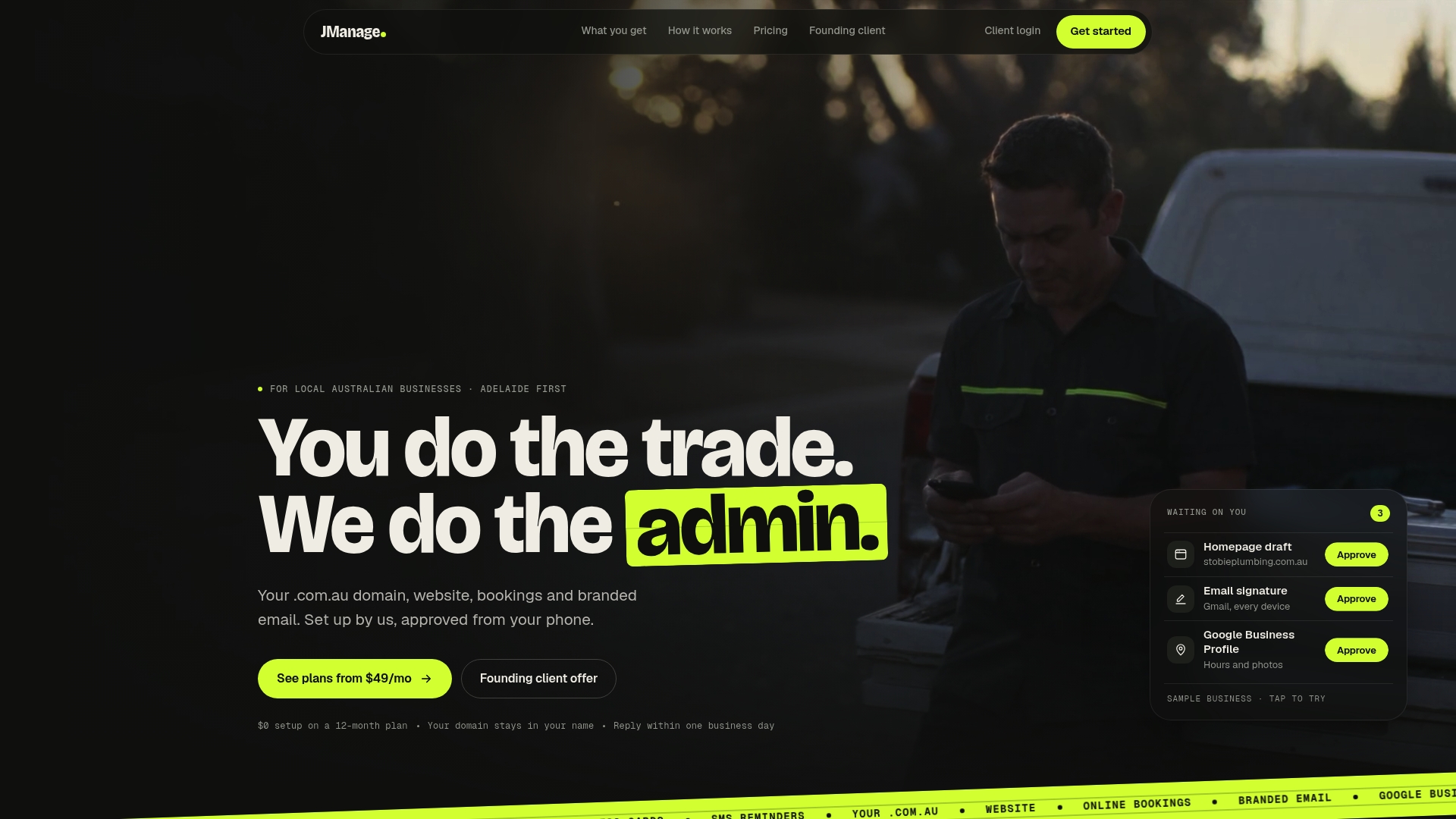
The Bookings plan at $99 AUD per month adds calendar-synced online booking with SMS reminders, which means fewer no-shows and a steady stream of completed jobs to draw reviews from in the towns you actually want to rank in. If you're just starting out, the Presence plan at $49 AUD per month covers website and profile setup, while Growth at $199 AUD per month bundles branded email and ongoing management on top. Head to Jmanage and book a walkthrough to see which plan matches where your business is right now.
Sources
For the rules straight from the source, Google's own guidance on managing service areas covers verification and hiding your address in detail. For the practical mechanics of setup and the two hour driving guideline, BrightLocal's breakdown is worth bookmarking alongside your profile settings.
- Manage your service areas for service-area & hybrid businesses
- How Google Business Profile works for service-area businesses
- Google Business Profile service-area business guide
FAQ
What does service area mean on a Google Business Profile?
It's the list of towns, postcodes or counties where you travel to serve customers, shown on your profile instead of a public address when you don't operate from a visitable premises.
How do I create a service area map in Google Maps?
You don't draw a map directly, you add towns or postcodes in Business Profile Manager under "Service area," and Google renders the coverage shading automatically once changes propagate.
Can I make $100 to $200 a day just from setting up service areas on Google Maps?
No, service area settings alone don't generate income, they simply define where your Business Profile shows up in search and Maps; actual revenue still depends on winning and completing jobs, something tools like Jmanage's booking and reminder features are built to support.
How many service areas can I add to my profile?
Google allows up to 20 service areas per profile, so prioritise broader city or county entries first and save postcode-level precision for your highest-value suburbs.